The software

Everything it does, and why

Four areas, each with a page behind it. Nearly all of this came from someone standing at the back of a church saying "that doesn't work when the preacher moves on".

01

The touch flow

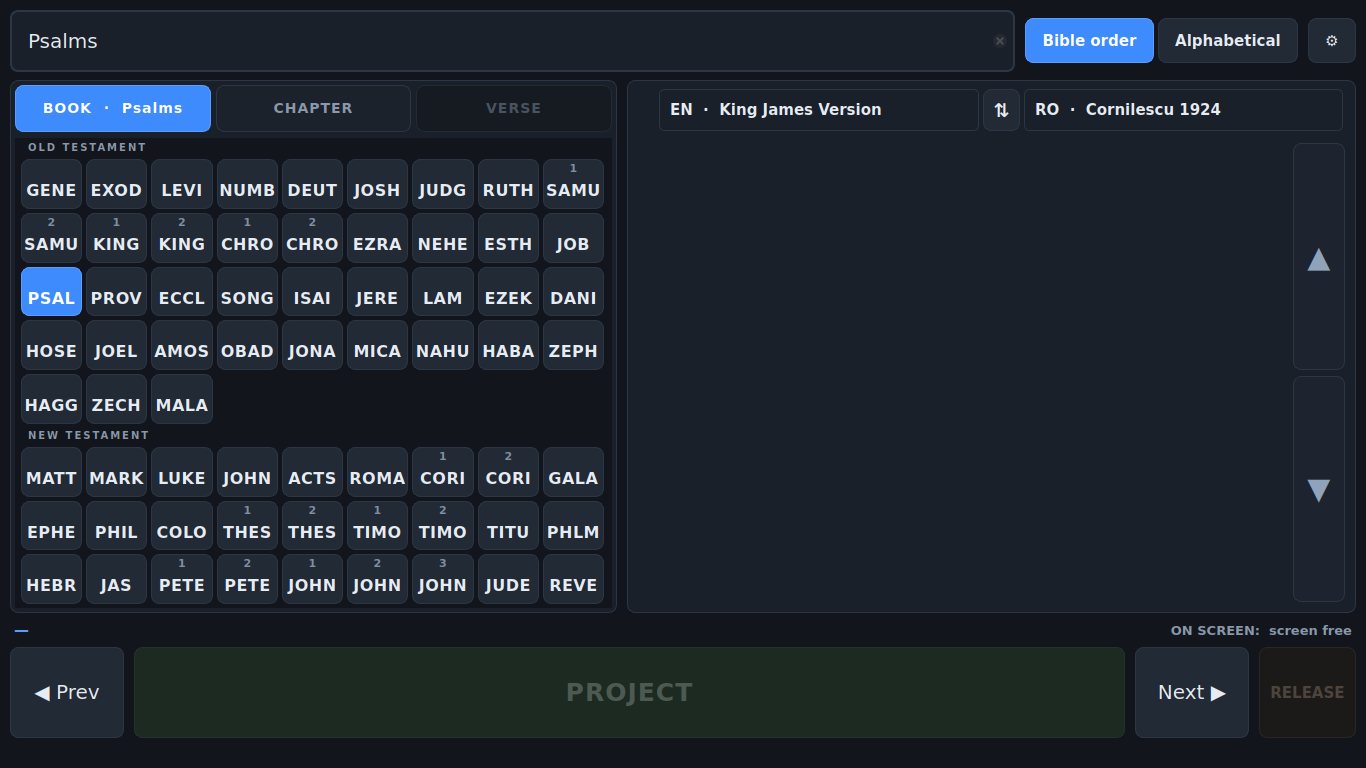
Book, chapter, verse — three taps, all 66 books visible together, and nothing anywhere that scrolls. The targets are big because each step gets the whole panel to itself.

  • Four-letter book codes, all 66 on screen at once
  • One step at a time, so every step gets the full width
  • Type mat 3 16 and press Enter
  • Double-tap a verse in the passage to put it up
How it works →

All 66 book buttons on screen at once as four-letter codes, split into Old and New Testament.
02

Projecting

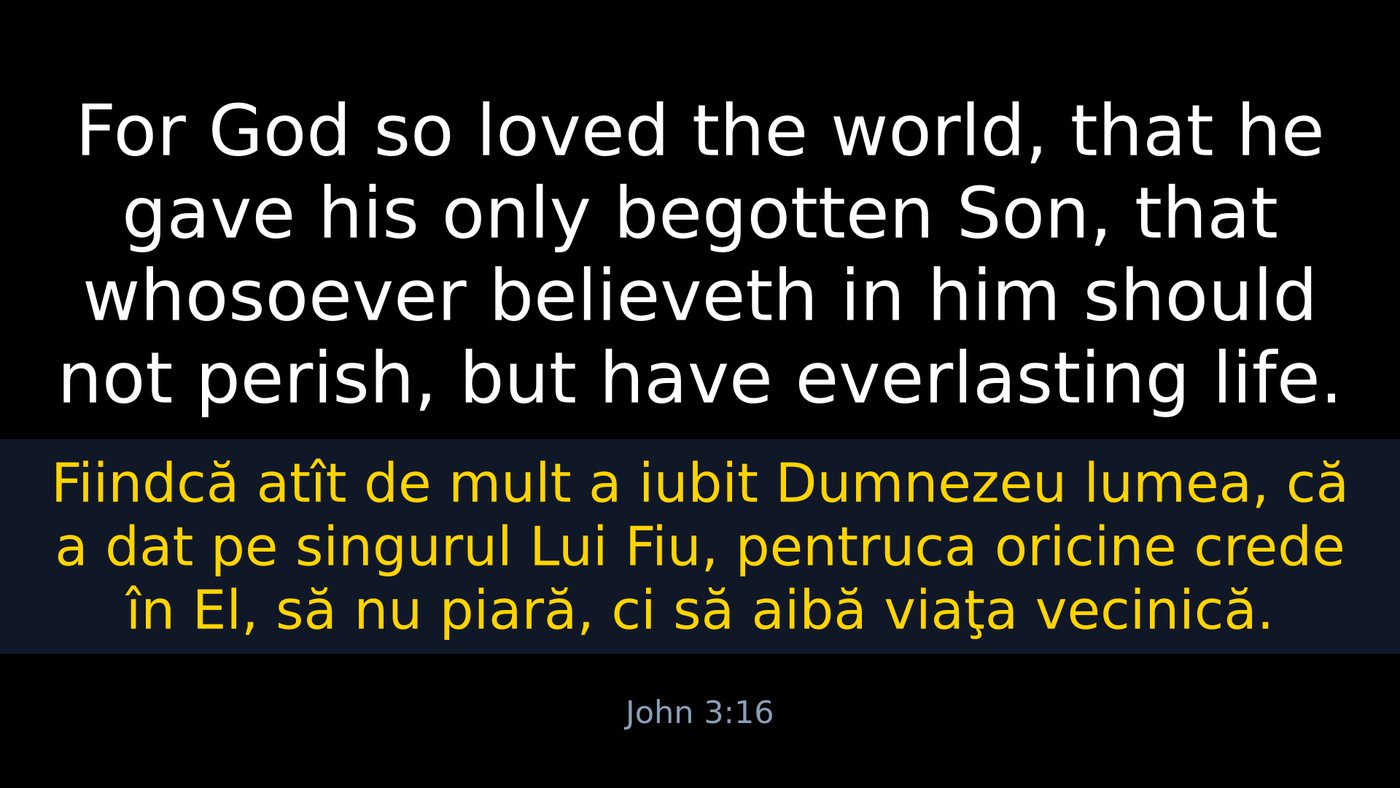
The projector screen is borrowed rather than occupied. Drive as many screens as the PC has, each showing something different, plus an NDI stream that is an output in its own right.

  • Nothing on the projector until you project; Esc gives it back
  • Every screen configured separately — languages, order, colours
  • NDI as its own output, transparent for keying
  • No black slide, ever

How it works →

A verse projected in Romanian above English, each language in its own colour.
03

Bible translations

Two translations ship with it, hundreds more are one click away, and five file formats import without conversion — including modules you may already own.

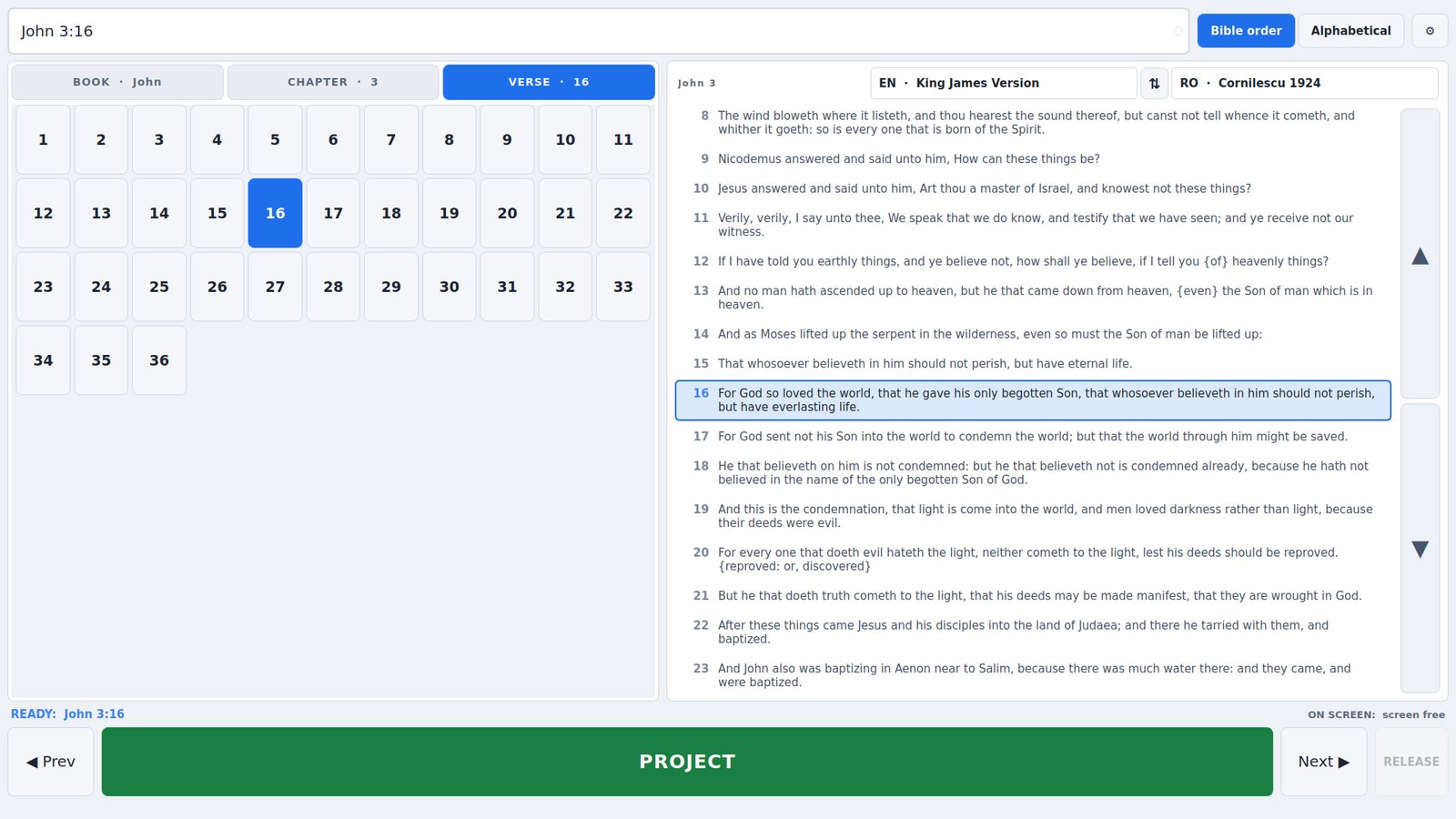
  • Cornilescu 1924 and the King James Version included
  • One click downloads every free Bible in a language
  • Reads JSON, Zefania, OSIS, USFM and SoftProjector modules
  • Every text credited with its own copyright line

How it works →

The translation selectors above the passage panel, with two translations chosen.
04

The interface

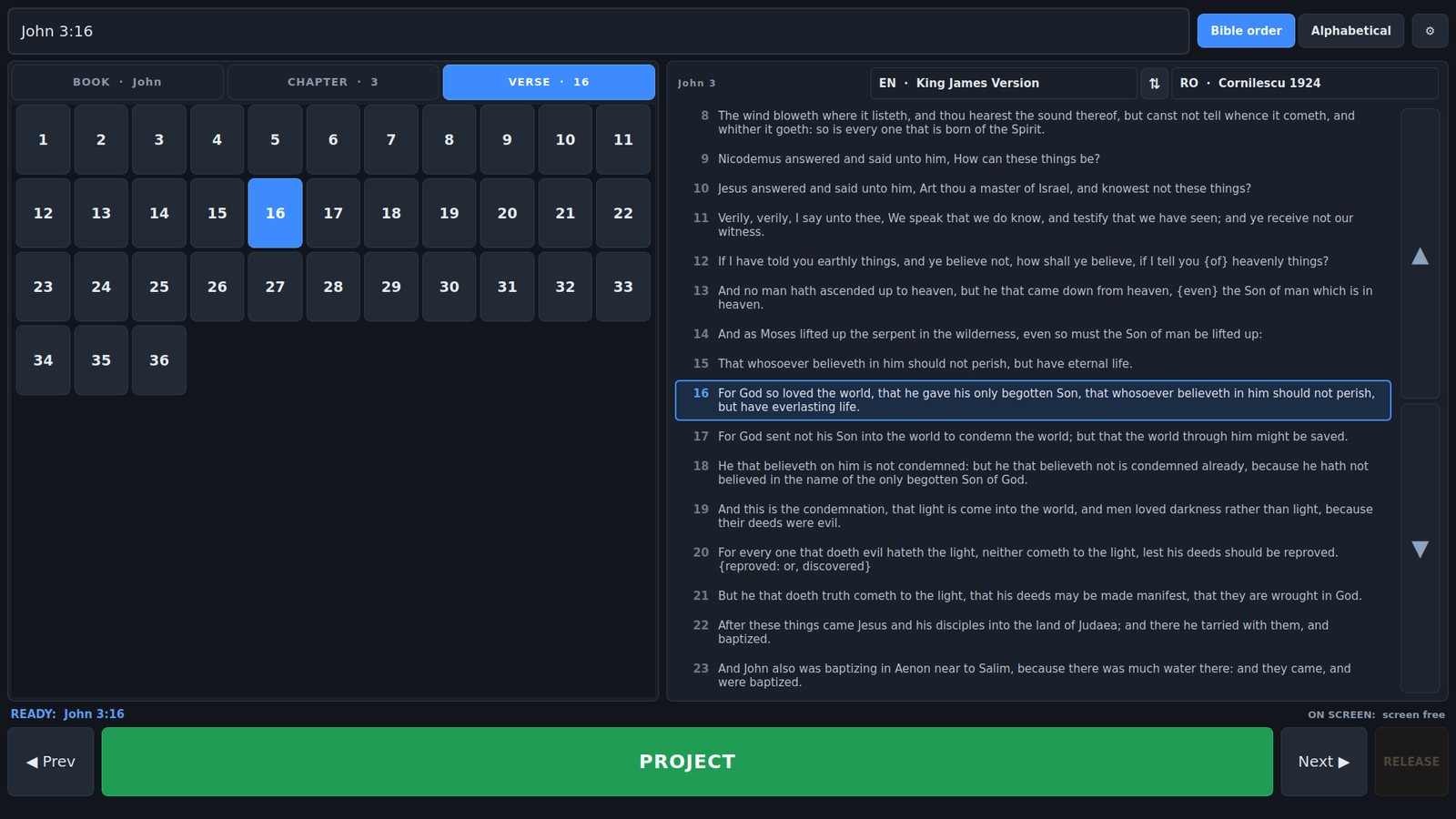
Light and dark themes, an interface language that is separate from the projected one, and a keyboard layout you can drive with one hand while watching the room.

  • Dark and light themes, applied immediately
  • Romanian or English interface, independent of what is projected
  • Full keyboard control, including next and previous verse
  • Remembers windows, screens and translations between services

How it works →

The control window in its dark theme.

The short version

It puts a verse on a screen quickly, in two languages, without taking the projector hostage — and it costs nothing.